
Introducing checklist scheduling
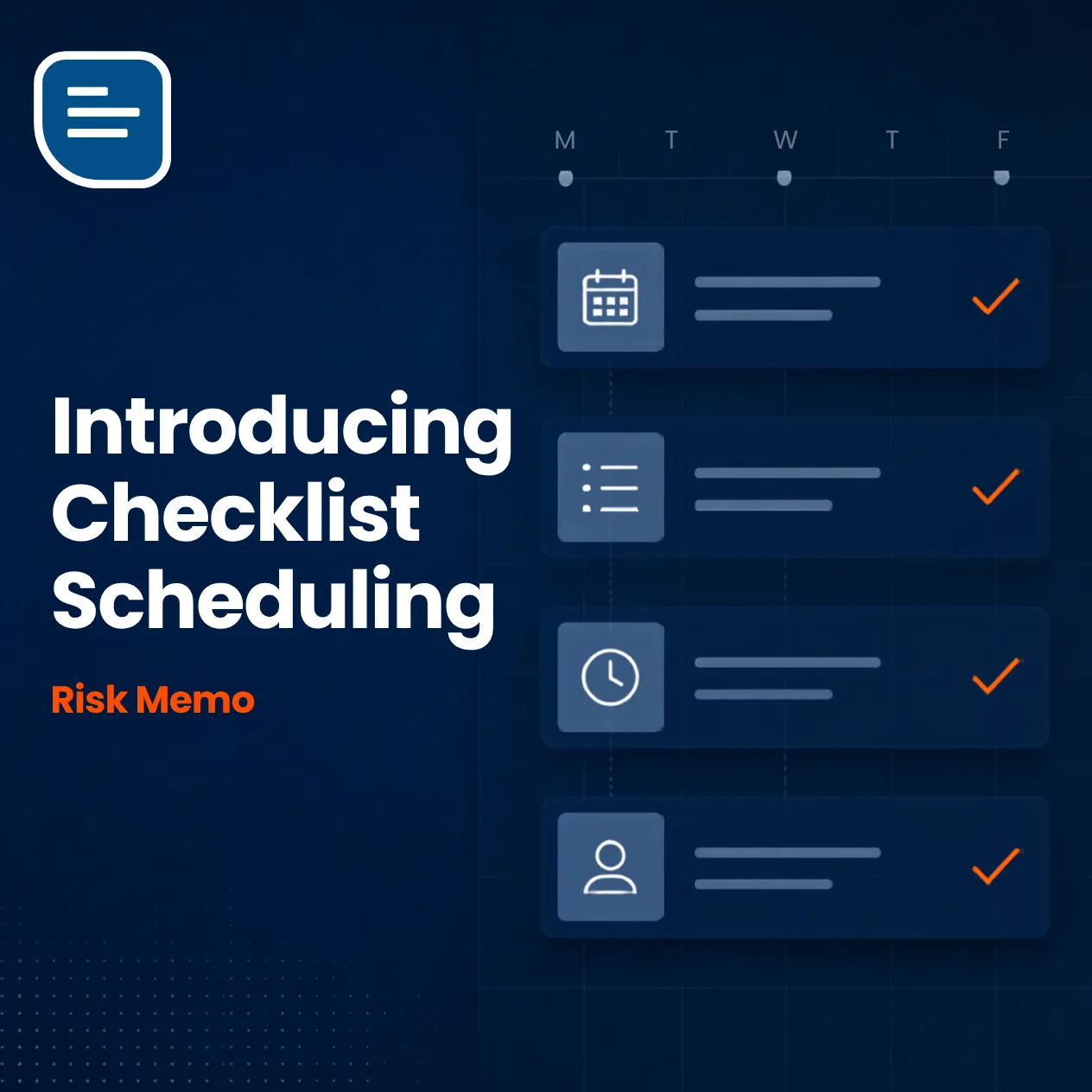
Learn how Risk Memo's checklist scheduling feature automatically schedules checklists and reminders, carrying over data from previous checklists so nothing gets missed.
Contents · 4 sections
Are you tired of manually scheduling your checklists and reminders? Risk Memo has the solution. Our checklist scheduling feature allows you to automatically schedule your checklists and receive alert notifications when they need to be completed. It’s as easy as 1,2,3!
Step 1: Choose your template
Use a checklist from our template library or one you have created yourself using our AI checklist generator.
Step 2: Set up the schedule
Its easy to edit your Risk Memo checklist template by visiting the schedule tab. From there you can customise your schedule, choosing the number of days, months, or years between checklists and the information you want to carry over from the previous checklist:
- Blank - creates a new checklist with no previous data
- People and Equipment - adds the lists of people and/or equipment from the previous checklist
- All Data - creates a new checklist which includes the people, equipment lists, question responses, notes, and images from the previously completed checklist.
Step 3: Start using your checklist
The next time a team member uses the checklist, the Risk Memo app will automatically add the next one to their schedule and they will be sent a reminder when the checklist is due. Another great Risk Memo feature is the ability to view all your scheduled checklists, by clicking on the calendar icon.
All this means that your team will never forget to undertake that important inspection, complete that critical task or keep your equipment inventory or employee records up to date.
Where do I do this?
To use Risk Memo’s checklist scheduling you will need a Risk Memo account. You can check out our pricing and sign up for a free trial here.
As always, if you have any questions or would like a demonstration of the app, just reach out through the contact us page or directly at alistair@riskmemo.com.
