
Risk Memo's AI Template Generator
Learn how Risk Memo's AI-powered checklist template generator lets you create custom checklist templates in minutes, either from an existing form or from scratch.
Contents · 3 sections
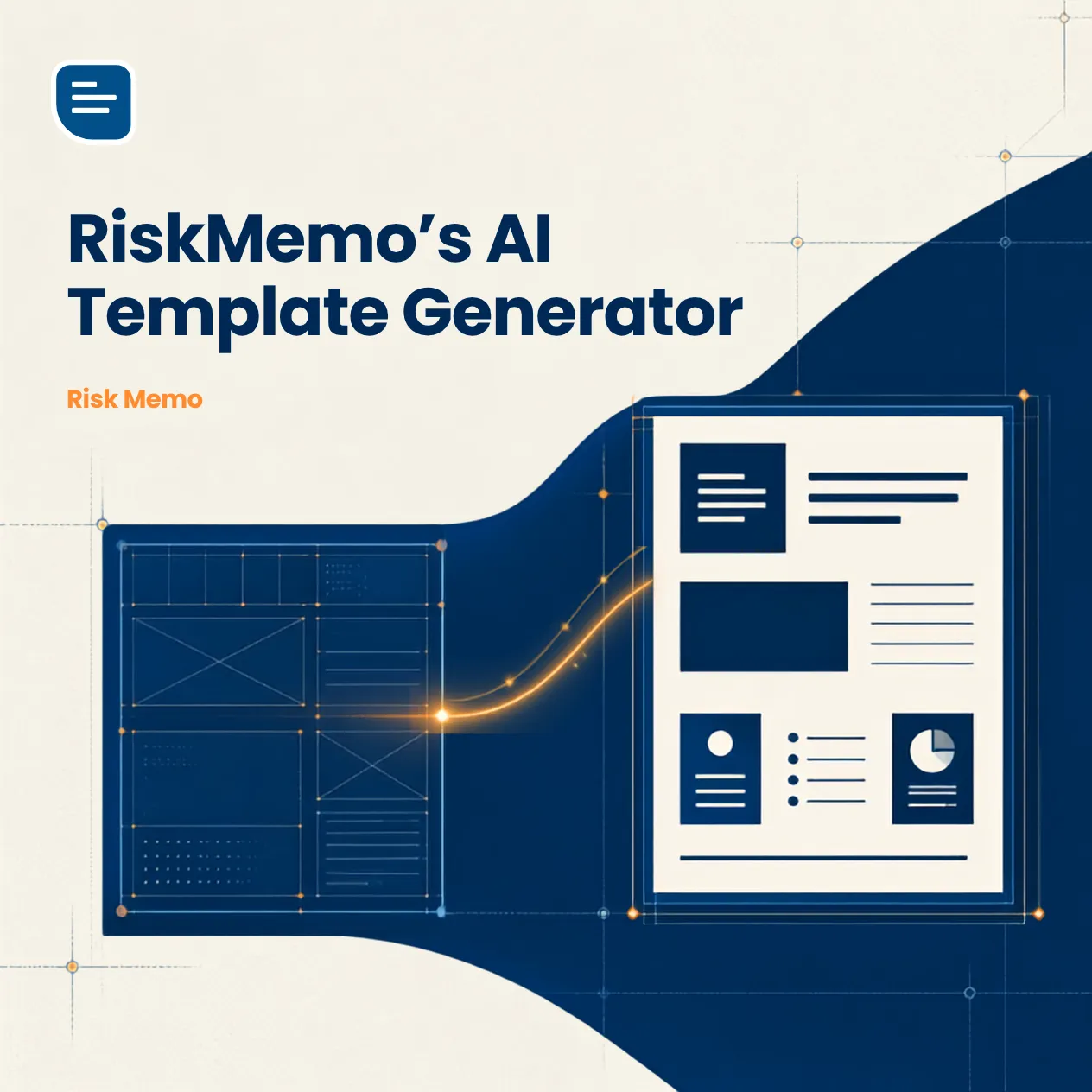
Do you need a checklist for your business or organisation? Get a head start with the world’s first (we think) AI-powered checklist template generator. Risk Memo’s latest innovative feature enables you to create customised checklist templates in a few simple steps.
The Risk Memo AI-powered checklist template generator gives you two options:
- Generate from an existing form
- Generate from a set of simple instructions
Option 1: Generating a checklist from an existing form
This is an excellent option if you already have forms or checklists in Word, Excel, PDF, Google Docs or even a website. After all, who wants to recreate the wheel, or the checklist in this case… Simply highlight the text from your form then copy and paste it into the generator. Finally, click generate - easy!
The Risk Memo checklist template generator creates forms that are up to two pages in length and creates the checklist in 10-20 seconds.
Once generated, you can edit your checklist, save it, and share it with your team.
Option 2: Generating a form from a set of simple instructions
If you don’t have an existing form or checklist, no problem, the Risk Memo AI Template Generator can still help. Creating a checklist from scratch is completely hassle-free. All you need to do is add a checklist title and short description, including page and section titles. There is even an option to ask the AI to include specific questions in your template. Next, generate your template. That’s it!
All that’s left is to start using your template to link checklists to equipment and people helping you to keep a log of everything.
Where do I do this?
To use Risk Memo’s automatic template generator you will need a Risk Memo account. You can check out our pricing and sign up for a free trial here. Once you have an account we will send you step-by-step instructions.
As always, if you have any questions or would like a demonstration of the app, just reach out through the contact us page or directly at alistair@riskmemo.com.
